

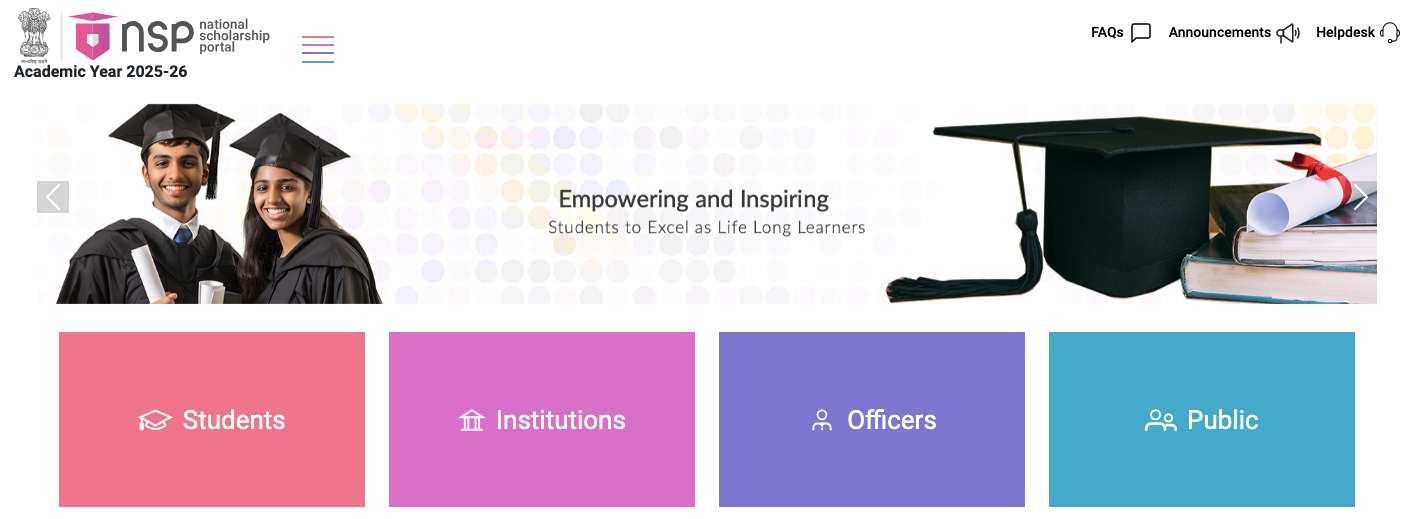
scholarships.gov.in – Access Your NSP Scholarship Porta Login
National Scholarship Portal (NSP Portal) is a digital platform launched by the Government of India to streamline the process of applying, verifying, and disbursing scholarships. Designed as a one-stop solution, the NSP Portal provides access to multiple Central Government, State Government, and UGC/AICTE scholarships under a single interface. Students can easily register, check eligibility, submit applications, and track scholarship status online. With features like Direct Benefit Transfer (DBT), Aadhaar integration, and real-time updates, the NSP Portal ensures transparency, efficiency, and timely delivery of funds directly to students’ bank accounts. By simplifying the scholarship process, the NSP Portal empowers millions of students across India to pursue education without financial barriers.
Features of NSP Portal Login
Check out the key features of the National Scholarship Portal:
- One-Time Registration (OTR): Students register once using Aadhaar and their mobile number. A unique OTR ID is generated, which is used for all future logins and applications.
- Access to Multiple Scholarship Schemes: Login provides access to Central Government, State Government, and UGC/AICTE Scholarships.
- Application Submission: After logging in, students can submit applications directly to institutions for verification.
- Renewal Applications: Existing beneficiaries can login to review scholarships annually. Renewal deadlines are clearly displayed on the portal.
- Direct Benefit Transfer (DBT) Integration: Linked with PFMS (Public Financial Management System) for fund disbursement. Scholarships funds are directly transferred to the student’s bank account.
How to Access the NSP Scholarship Portal?
Before accessing scholarships, students must complete the NSP Portal Login. It serves as the gateway to apply, renew, and track the applications. You can access the National Scholarship Portal using either Aadhaar or the unique One-Time Registration (OTR) ID generated during registration.
NSP Scholarship Portal: Login with Aadhaar
One of the simplest methods to access the NSP Portal Login is by using an Aadhaar number, which ensures quick verification and eliminates the need for multiple credentials. Follow these steps below to access the National Scholarship Portal login:
- Visit the official NSP Portal at https://scholarships.gov.in/
- There, you have to click on the “Students” option from the given options.
- Under the Apply For Scholarship option, select the “Login” option.
- Make sure that Login with Aadhaar is selected and provide the Aadhaar No.
- After that, you just have to select the “Get OTP” option.
- Enter the OTP in the given field and complete the CAPTCHA verification.
- After completing all the steps, select the “Proceed” option.
NSP Scholarship Portal: Login with OTR
Another secure login option is through the One-Time Registration (OTR) ID, which is generated during the initial registration process. By using this unique OTR ID along with the registered mobile number or credentials, students can easily login to the portal and apply for a new scholarship. Check out the steps below to access the NSP Scholarship Portal with OTR:
- Visit the official NSP Portal at scholarships.gov.in.
- There, you have to select the “Students” option from the given options.
- Under the Apply For Scholarship option, select the “Login” option.
- Make sure that Login with OTR is selected.
- Enter the OTR (One Time Registration) No. and Password.
- After that, you simply click on the “Login” option.
How to Reset the Login Credentials of the NSP Scholarship Portal?
You will need your OTR ID and password to access the NSP Login portal. By any chance, if you forgot or lost your credentials, then follow the instructions below to recover them:
Recover OTR ID of NSP Portal
By any chance, if you forgot or lost your OTR ID, then you can reset it by following these steps below:
- Visit the official NSP Portal at https://scholarships.gov.in/
- There, select the “Students” option from the given options.
- Under the Apply For Scholarship option, select the “Login” option.
- Make sure that “Login with OTR” is selected.
- From there, you have to select the “Forgot OTR” option.
- Click on “Continue”, and it redirects to an external site.
- Enter the Aadhaar No. on the given field, click on “Get OTP”.
- Enter the OTP and complete the CAPTCHA verification.
- After providing all the details, select the “Submit” button.
Reset the Password of the NSP Portal
Follow these steps below to reset your NSP scholarship portal password:
- Visit the official NSP Portal at gov.in.
- Then, select the “Students” from the given options.
- Under the Apply For Scholarship option, select the “Login” option.
- Make sure that “Login with OTR” option is selected.
- From there, select the “Forgot Password” option.
- Select the “Continue” option, and it redirects to an external site.
- Enter OTR (One Time Registration) No. and click on “Get OTP”.
- Provide the OTP you received and complete the CAPTCHA verification.
- After that, you have to select the “Verify” option and follow the further steps.
How to Register for the NSP Scholarship Portal?
To begin using this portal, every student must complete the One-Time Registration (OTR) process. By registering with Aadhaar and basic academic details, candidates can securely create their profile and unlock access to multiple scholarship schemes under one platform. To begin your registration on the National Scholarship Portal, simply go through the following easy steps:
- Visit the official NSP Portal at scholarships.gov.in
- Choose the “Students” tab from the available options.
- Under the OTR option, select the “Login” option.
- Click on the “Register” option to proceed further.
- Go through the registration instructions carefully and click on the “Next” button.
- Provide your mobile number and select the “Get OTP” option.
- Complete the CAPTCHA verification and click on the “Verify” option.
- Choose any of the applicable options for eKYC update.
- If you possess an Aadhaar card, type in the Aadhaar number and then click on the “Get OTP” button.
- Input the OTP, finish the CAPTCHA check, and then press the “Verify” button.
- For the “Aadhaar not Assigned (I have EID)”, follow the same instructions.
- Fill out all the required details, such as name, gender, date of birth, parents’ names, etc.
- After that, you have to click on the “Verify” option.
- After all the steps of the eKYC update, the registration will be completed.
How to Apply for a Scholarship through the NSP Login Portal?
The National Scholarship Portal (NSP) serves as the government’s unified platform where students can submit applications for a wide range of scholarships in a simple and transparent manner. If you wish to apply for a scholarship through NSP, just follow the steps outlined below:
- Visit the official website at scholarships.gov.in and login to your account.
- You need to select the “Apply Fresh” option to apply for a scholarship.
- Read the terms & conditions, and select the “I Agree” option.
- Fill out the application form carefully and click on the “Submit” button.
- Your application will be available on the “My Applications Listing Page”.
- Then, click on the “Proceed” option for the next steps.
- Enter all the required details, including academic and other necessary information.
- You have to click on the “Next” option after each section.
- After providing all the required details, select the “Final Submit” option.
- Review the provided details carefully, as no changes will be made later.
- A confirmation page will appear after successful submission.
How to Access the NSP Institute Login Portal?
Institute Nodal Officers (HoIs/INOs) will be able to access the portal by logging in with their assigned user ID and password. Check out the steps below to access the NSP Institute portal:
- Visit the National Scholarship Portal at https://scholarships.gov.in/
- Under the Login option, you have to select the “Login” button.
- Select the designation, enter your User ID and Password.
- Complete the CAPTCHA verification and click on the “Login” button.
FAQs – NSP Portal Login
Ques: How to update demographic details in NSP Portal?
Ans: To update demographic information, students must first revise their Aadhaar details. Once the Aadhaar record is corrected, the changes will automatically sync to the student’s OTR profile through a fresh eKYC. After the OTR update, the revised details will also appear in the NSP application form.
Ques: When can I withdraw my application through the NSP portal?
Ans: You have the option to withdraw your application at any stage of the process. However, withdrawal will not be permitted if any of the following apply:
- When the application receives approval from the Level-2 Nodal Officer.
- When the scholarship payment has been disbursed.
Ques: Why am I unable to search for my institute in the NSP Login Portal?
Ans: If you are unable to locate your institute, kindly review the following conditions:
- Make sure you select the appropriate category when performing your search.
- When you look for a pre-metric institute under the post-metric section, the system will display the message: Pre-Metric courses are not offered in this institute.
- If you try to find a post-matric institution under the pre-matric section, the system will display the message: No Record.
- Schools can be located using their UDISE+ code, whereas colleges and ITIs are searchable through AISHE or ITI (NCVT) codes.
Ques: What is the difference between NSP Portal and NSP Portal 2.0?
Ans: NSP Portal is the original National Scholarship Portal designed to centralise scholarship applications, while NSP Portal 2.0 is its upgraded version. It has advanced features like One-Time Registration (OTR), Aadhaar-based authentication, and streamlined de-duplication across the scheme. In short, NSP 2.0 reduces repetitive registrations and enhances transparency compared to the older portal.
